Quick answer
What should you check before sending an email campaign?
An email campaign checklist before sending covers five areas: the right list and consent, sender setup such as SPF, DKIM and DMARC, the subject line and content, every link and image on mobile and desktop, and tracking with UTM tags. Send a test to yourself and one colleague, fix issues, then schedule the send.
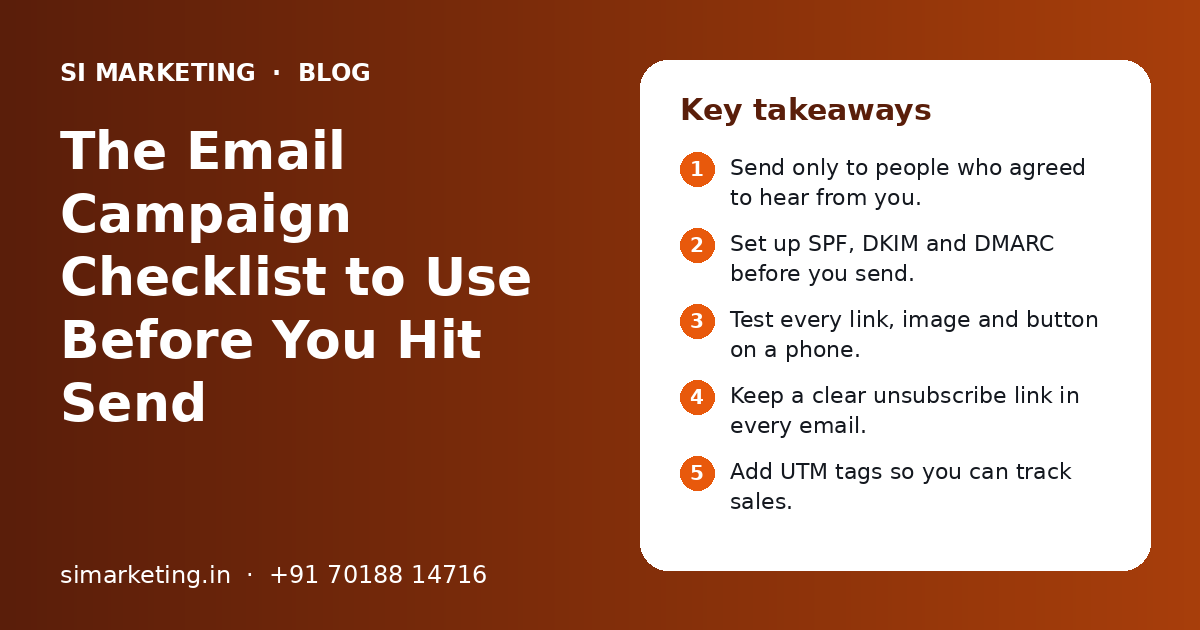
Key takeaways
- Send only to people who agreed to hear from you.
- Set up SPF, DKIM and DMARC before you send.
- Test every link, image and button on a phone.
- Keep a clear unsubscribe link in every email.
- Add UTM tags so you can track sales.
- Send a test email to two people before the real send.
Why do you need an email campaign checklist before sending?
You need an email campaign checklist before sending because a mistake reaches your whole list at once and cannot be undone. A short checklist catches most errors in a few minutes.
Most email mistakes are small. A link points to the wrong page. The first name field shows blank. The offer end date is wrong. An image does not load on a phone. Each one looks careless, and some cost you sales.
If you send emails often, our email marketing team can run these checks for you. If you do it yourself, use the sections below as your list.
What does a complete email campaign checklist include?
A complete checklist has six parts: list, sender setup, subject and preview text, content, links and design, and tracking. Check them in this order, as each one builds on the last.
| Area | What to check | Why it matters |
|---|---|---|
| List and consent | Right segment, opted-in contacts, bounces and unsubscribes removed | Protects your sender name and follows the law |
| Sender setup | SPF, DKIM, DMARC, sender name, reply-to address | Helps emails reach the inbox, not spam |
| Subject and preview | Clear subject, preview text, no spam-like words | Decides if people open the email |
| Content | Spelling, names, dates, prices, offer terms, one clear call to action | Builds trust and drives the action you want |
| Links and design | Every link works, images load, mobile view is clean | Broken links waste every open |
| Tracking | UTM tags, goals in Google Analytics, sales linked to the email | Shows what the email actually earned |
How do you check your email list before sending?
Check that you are sending to the right segment, that every contact agreed to get your emails, and that bounced and unsubscribed contacts are removed. A clean list is the base of good inbox delivery.
- You picked the right segment, such as past buyers, new leads or one city
- Every contact gave permission, through a form, checkout or sign-up
- No bought, rented or scraped lists are included
- Hard bounces from past sends are removed
- People who unsubscribed are not in the list
- Very old contacts who have not opened in a long time are kept aside or sent a re-engagement email first
Permission matters in India too. The Digital Personal Data Protection Act asks businesses to collect personal data with clear consent and to let people withdraw it. Keep a record of where and when each contact signed up.
If you collect leads from ads, forms and WhatsApp, our marketing automation setup can tag each contact by source and interest, so the right people get the right email.
What sender and technical settings should you check?
Check that your domain has SPF, DKIM and DMARC records, that you send from your own domain, and that the sender name and reply-to address are correct. These settings decide whether mail providers trust your email.
The three records in simple words
| Record | What it does | Simple check |
|---|---|---|
| SPF | Lists the servers allowed to send email for your domain | Your email tool is included in the SPF record |
| DKIM | Adds a digital signature that proves the email was not changed | DKIM shows as verified in your email tool |
| DMARC | Tells inbox providers what to do if SPF or DKIM fail | A DMARC record exists for your domain |
Large inbox providers such as Gmail now expect bulk senders to have these records and an easy unsubscribe option. If they are missing, your emails may go to spam or not arrive at all.
Other sender checks
- Send from your own domain, such as hello@yourbrand.in, not a free Gmail ID
- Use a sender name people know, such as your brand name or a real person at your brand
- Set a reply-to address that someone actually reads
- Make sure your business name and full postal address are in the footer
- Keep the unsubscribe link visible and working
Your domain host or IT team can add these records. Our team does this as part of every email marketing setup.
How do you check the subject line and preview text?
Check that the subject line is clear, short and honest, and that the preview text adds a reason to open. Read both on a phone screen, where most people will see them.
- The subject line says what is inside, in plain words
- It is short enough to read fully on a phone
- The preview text is set and does not show 'View in browser' or code
- No all-caps words, many exclamation marks or misleading words like 'Re:' or 'Urgent'
- The first name tag works, with a fallback such as 'there' if a name is missing
- Festival or sale dates in the subject are correct
| Weak subject line | Better subject line |
|---|---|
| Newsletter October | 3 new winter jackets, now in stock |
| HUGE SALE!!! Don't miss out | Diwali offer: free delivery till Sunday |
| Update from our company | Your service reminder is due next week |
If you have time, test two subject lines on a small part of the list first. Then send the winner to the rest. Most email tools have a simple A/B test option for this.
Need help with your project?
Talk to the SI Marketing team. Free first call, simple advice, clear quote.
What should you check in the email content?
Check spelling, names, dates, prices and offer terms, and make sure the email has one clear call to action. Read it once as a customer would, from top to bottom.
- 1
Read the full email out loud
Reading out loud helps you catch missing words, long sentences and spelling mistakes that your eyes skip.
- 2
Check every fact
Confirm prices, discount amounts, coupon codes, offer end dates, store timings and phone numbers with the person who owns the offer.
- 3
Check personal fields
Preview the email with a sample contact. Make sure name, city or order fields fill in correctly and do not show blank or code.
- 4
Keep one main call to action
Decide the one thing you want people to do, such as shop, book or reply. Make that button large and clear.
- 5
Add plain text alt text to images
Some inboxes block images at first. Alt text tells readers what the image shows.
- 6
Check the language
If you send in Hindi, Punjabi or another Indian language, have a native speaker read it. Check that the font shows correctly.
Keep the email short and useful. One main message works better than five offers in one email. If you need content ideas for regular newsletters, our content marketing team can plan a monthly calendar.
How do you test links, images and mobile view?
Send a test email to yourself and a colleague, then click every link and button on both a phone and a computer. Check that images load and the layout looks clean in Gmail and Outlook.
- Every link opens the right page, not the home page by mistake
- Coupon codes work at checkout
- The WhatsApp or call button opens the right number
- Images load quickly and are not blurry or stretched
- Text is large enough to read on a phone without zooming
- Buttons are big enough to tap with a thumb
- The unsubscribe link works and removes the contact
Check the landing page too. A good email that sends people to a slow or confusing page wastes the click. Our conversion rate optimization work helps fix these pages so more clicks turn into orders.
How do you set up tracking before you send?
Add UTM tags to every link, check that goals or purchases are set in Google Analytics, and note what result you expect. Without tracking, you only see opens and clicks, not sales.
| Metric | What it tells you | Watch out for |
|---|---|---|
| Delivered | How many emails reached a server | Many bounces mean list problems |
| Opens | How many people opened, roughly | Privacy features in some apps can make opens look higher |
| Clicks | How many people clicked a link | The most useful early signal |
| Unsubscribes | How many people left your list | A sudden rise means content or frequency is off |
| Spam complaints | How many marked you as spam | Even a few is a warning sign |
| Sales or leads | What the email actually earned | Needs UTM tags and analytics goals |
Use the same UTM pattern every time, for example source as email, medium as newsletter and campaign as the offer name. This keeps reports clean. Our marketing analytics team can set this up, and our guide on how to measure digital marketing ROI explains how to link results to money.
What should you check right before and after you hit send?
Right before sending, check the send time, time zone and segment one last time. After sending, watch bounces, complaints and replies for the first few hours.
Final checks before send
- Send time suits your buyers, such as morning or evening, not late at night
- Time zone is set to India Standard Time, or the buyer's zone for overseas lists
- The correct segment is selected, not 'all contacts' by mistake
- Someone is available to answer replies and WhatsApp messages after the send
- Stock and staff are ready if the offer brings many orders
Checks after send
- Look at bounces and spam complaints in the first few hours
- Read and answer replies, as they are often real buyers
- Note results in a sheet, so you can compare campaigns over time
- Plan a follow-up email for people who clicked but did not buy
Email works well with other channels. You can send a short WhatsApp marketing message to opted-in buyers for urgent offers, and use email for detail. For big sale days, see our festival marketing campaigns page.
Should you run this checklist yourself or get help?
Most small businesses can run this checklist themselves once they learn it. Get help if you send often, have a large list, see emails going to spam, or want automated flows set up properly.
Doing it yourself works when
- You send one or two campaigns a month
- Your list is small and clean
- Your sender records are already set up
- You have one person who owns email
Getting help makes sense when
- Emails are landing in spam or bouncing
- You want welcome, cart and repeat-order flows
- You need sales tracking linked to each email
- No one in the team has time to test every send
SI Marketing is powered by Shivah Web Tech, with 11+ years of experience, a 25+ member in-house team and 500+ projects. Our fee depends on your list size, number of campaigns and setup work, and you get a clear quote after a free call. Reach us from our contact page, Mon to Fri, 9:30 to 6:30 IST.
Frequently Asked Questions
What is the most important thing to check before sending an email campaign?
The most important check is the list. Make sure you are sending only to people who agreed to hear from you, and that bounced and unsubscribed contacts are removed. A bad list can push your emails into spam for a long time. After that, check sender records like SPF and DKIM, then test every link on a phone before the real send.
How do I stop my marketing emails going to spam?
Send from your own domain with SPF, DKIM and DMARC set up. Email only people who opted in, and remove bounces quickly. Avoid misleading subject lines and too many images with little text. Add a clear unsubscribe link and your business address. Send on a steady schedule, not in sudden large bursts. If problems continue, check your sender reputation with your email tool's support team.
How many test emails should I send before a campaign?
Send at least one test to yourself and one to a colleague. Open them on a phone and a computer, and if possible in both Gmail and Outlook. A second person often spots mistakes you missed. If you fix something after the first test, send one more test, because a small edit can break a link or the layout in a way you will not see in the editor.
Do I need SPF, DKIM and DMARC for a small business email list?
Yes. Even a small business should set them up. These records tell inbox providers that your email tool is allowed to send for your domain and that the email was not changed. Large providers such as Gmail expect bulk senders to have them. Without them, more of your emails may land in spam or be rejected. Your domain host or IT team can add them quickly.
Is it legal to send marketing emails in India without consent?
You should always get clear consent before sending marketing emails. India's Digital Personal Data Protection Act asks businesses to process personal data with consent and to let people withdraw it. Inbox providers also punish senders who email people without permission. Collect sign-ups through forms or checkout, keep a record of consent, and make unsubscribing easy in every email.
Can I use this email checklist for automated emails too?
Yes. Automated emails like welcome series, abandoned cart and order follow-ups need the same checks: right trigger, sender setup, content, links, mobile view and tracking. Test each flow once with a sample contact before turning it on. Then review automated emails every few months, because prices, products and links change over time and old flows can quietly send wrong details.